Built for deep, private research
EQBook combines a local LLM, a RAG pipeline, and a focused research UI — all running offline on your Apple Silicon device.
Multi-source workspaces
Organise research into workspaces. Each workspace holds unlimited PDFs, DOCX, TXT, MD, audio, and video files.
Conversational Q&A
Chat against all your sources at once. Answers stream in real time with inline citations you can click to view the exact source passage.
Semantic search
Search across every chunk in the workspace using vector similarity. Finds conceptually related passages, not just keyword matches.
Whisper transcription
Drop in MP3 or MP4 files. EQBook transcribes them on-device using CoreML Whisper Small, then indexes the transcript for Q&A.
Inline citations
Every AI answer includes dotted-underline citations. Click any citation to see the exact source paragraph it was drawn from.
Audio Overview
Generate a podcast-style two-host conversation from your workspace sources. Absorb research on the go — produced entirely on-device.
Adaptive model selection
Hardware is auto-detected at launch. The right Gemma 4 variant is recommended based on your Mac's unified memory.
Source grouping & sidebar
Sources are grouped by type (PDF, Audio, Video, Text) in a collapsible sidebar. Rename, delete, or view chunk counts per source.
Persistent chat history
All conversations are saved locally. Sessions persist across restarts, giving you a running record of every research question you've asked.
Full macOS experience
Native macOS app with a collapsible source sidebar, keyboard shortcuts, and Spotlight integration — built for focused, distraction-free research.
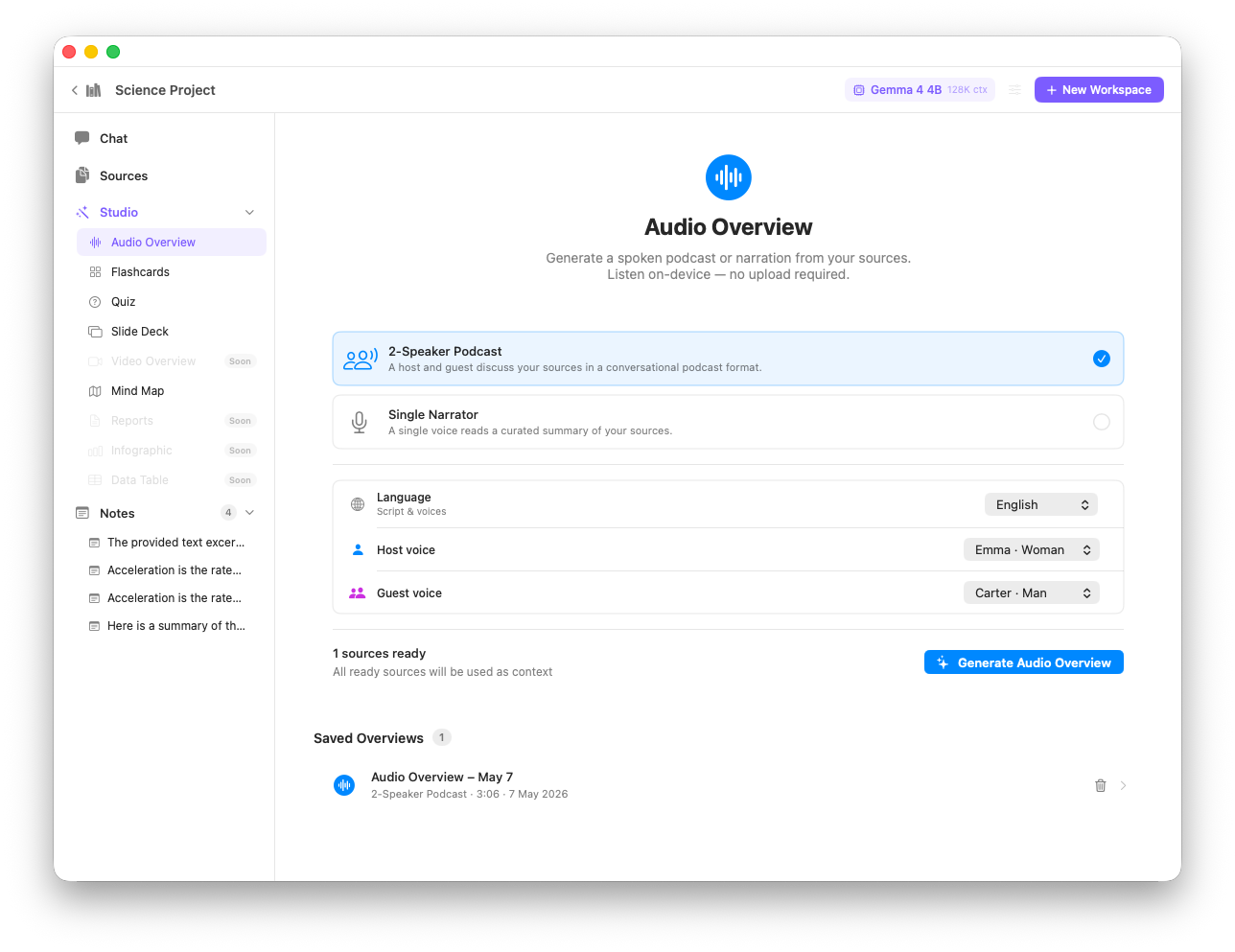
Audio Overview — a podcast-style summary generated entirely on-device from your sources
The RAG Pipeline
EQBook's Retrieval-Augmented Generation pipeline runs entirely on-device in five stages.
| Stage | What happens | Technology |
|---|---|---|
| 1 — Ingest | Text extracted from PDF, DOCX, TXT, MD, or Whisper transcript | PDFKit, XMLCoder |
| 2 — Chunk | Text split into 512-token chunks with 50-token overlap, respecting paragraph breaks | Custom Swift chunker |
| 3 — Embed | Each chunk converted to a 384-dimension vector | MLX all-MiniLM-L6-v2 |
| 4 — Retrieve | Top-8 semantically closest chunks fetched for the user's query | On-device vector search (cosine) |
| 5 — Generate | Retrieved chunks + question passed to Gemma 4; response streamed with citations extracted | MLX-LM Gemma 4 |
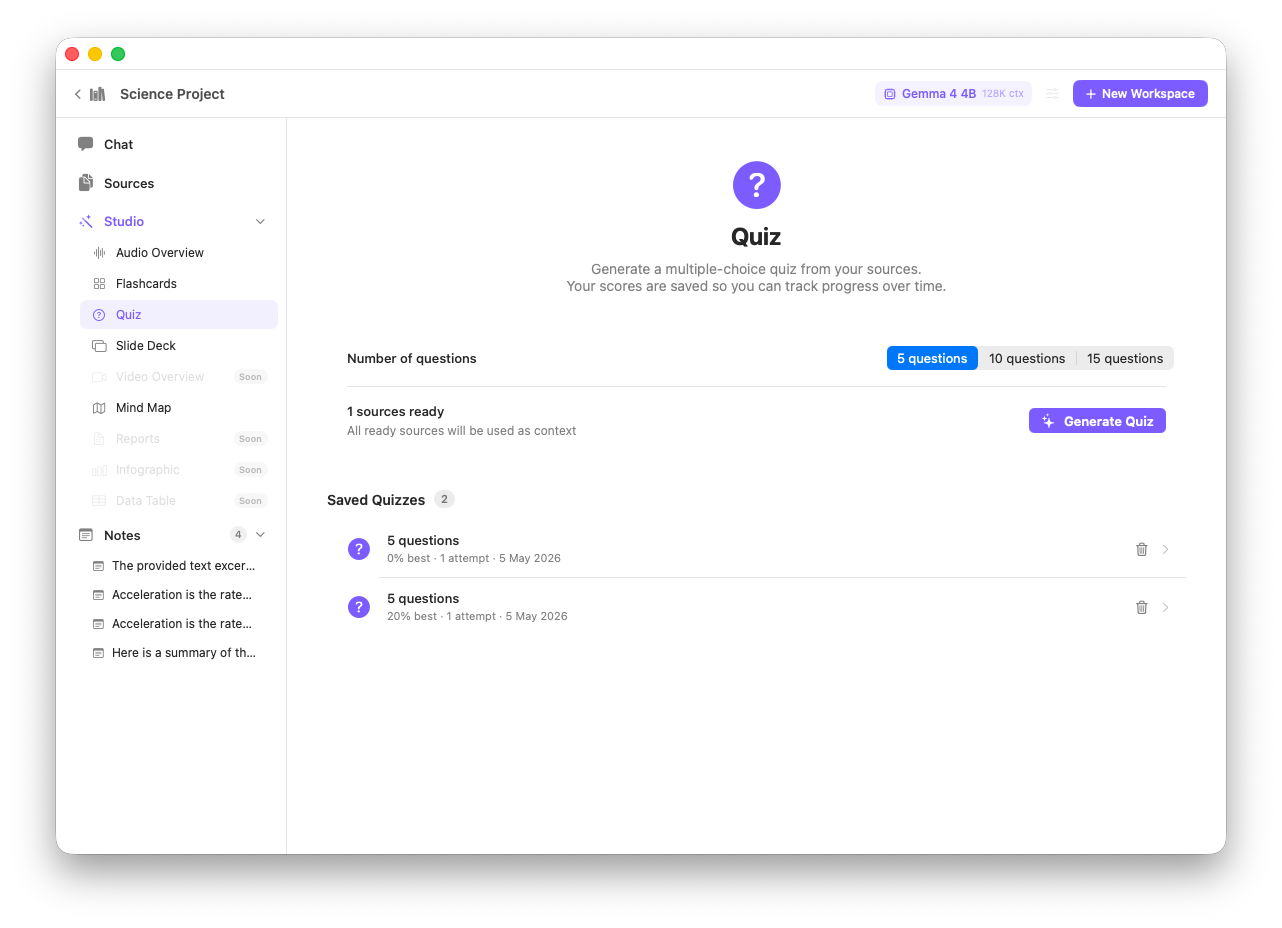
Quiz mode — test your comprehension of any workspace with AI-generated questions